Choose your version
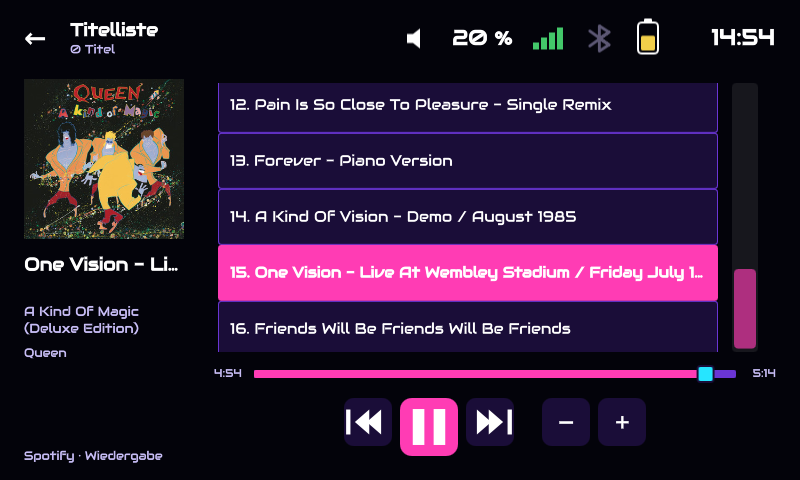
NG is the new generation with touchscreen, physical buttons and optional RFID cards. Classic remains available.
A music box for children and adults. No Linux experience required: we show you what to buy, how to assemble it and how to play your first song.
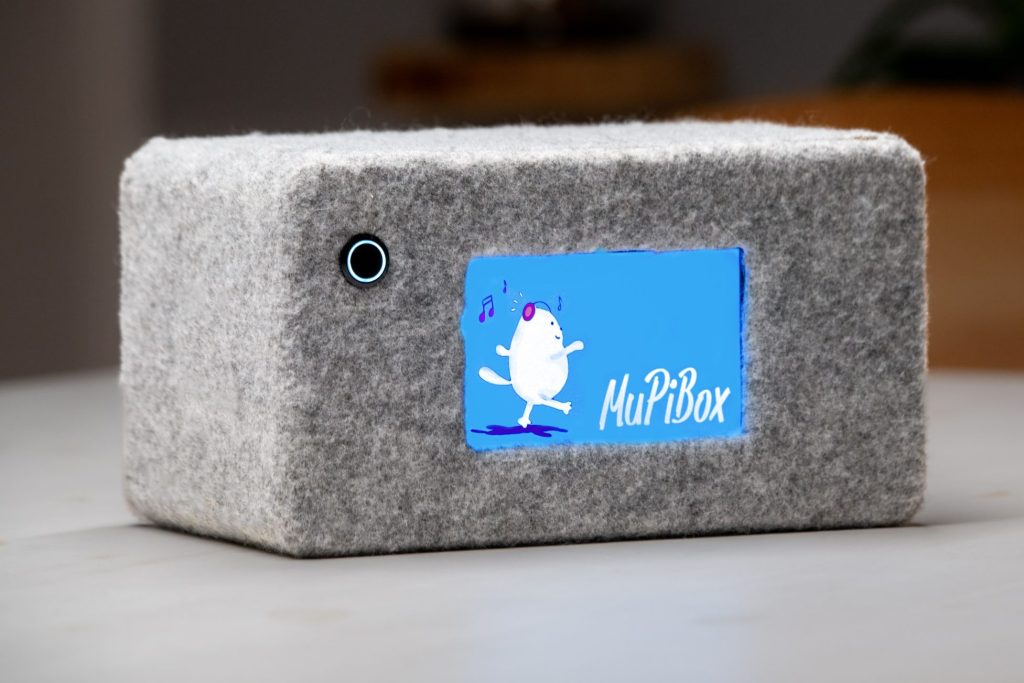
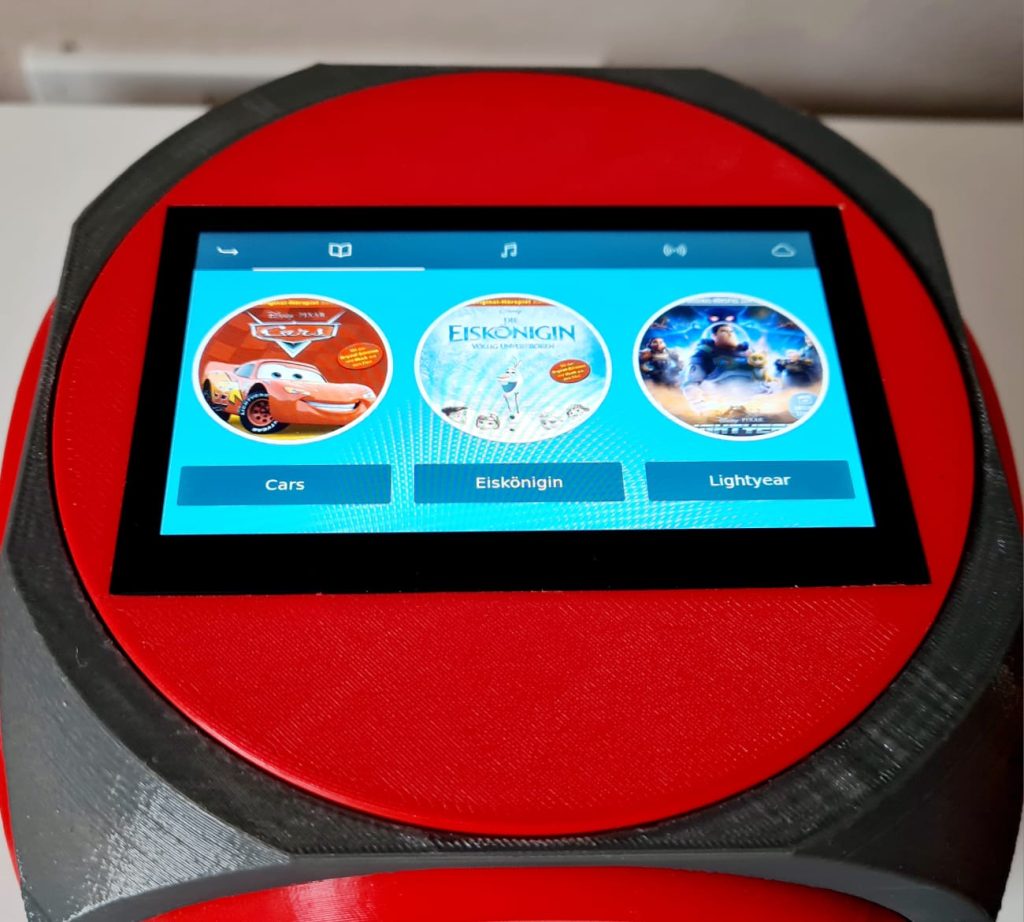
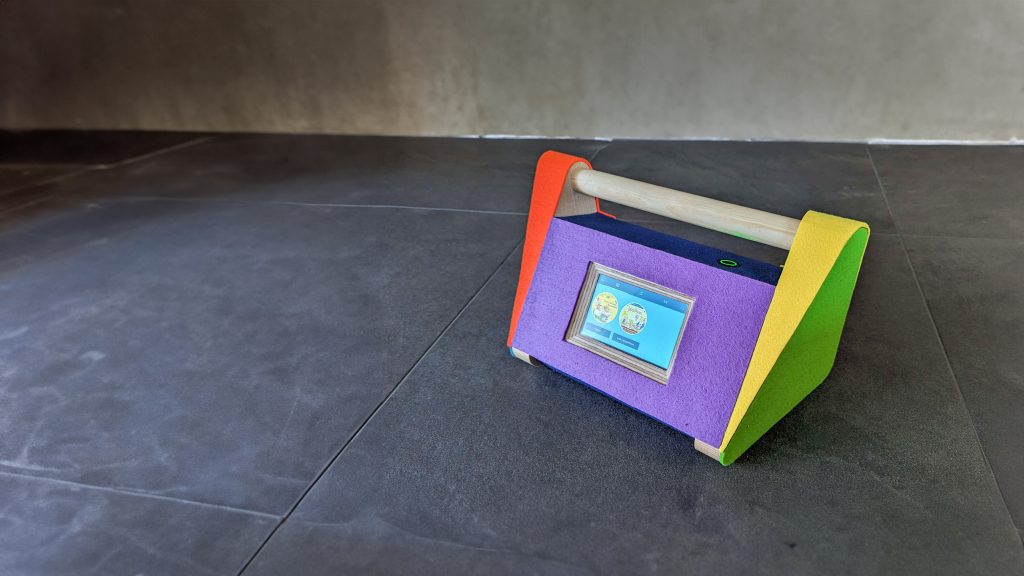
Start simple. You do not need to buy every optional part or learn technical terms first.
NG is the new generation with touchscreen, physical buttons and optional RFID cards. Classic remains available.
Start with a Raspberry Pi, a compatible screen, storage and sound. Batteries and RFID can come later.
Write 64-bit DietPi to your card, use the matching setup instructions and turn on your Pi.
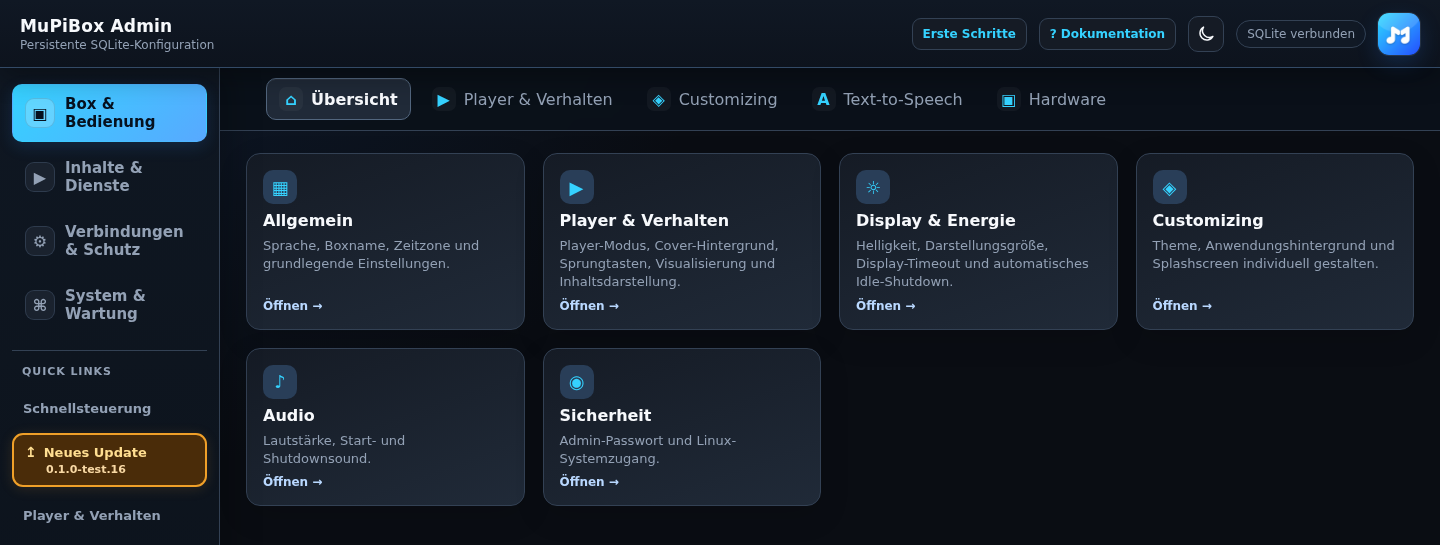
Open the box administration page and add local music, web radio or a supported provider.
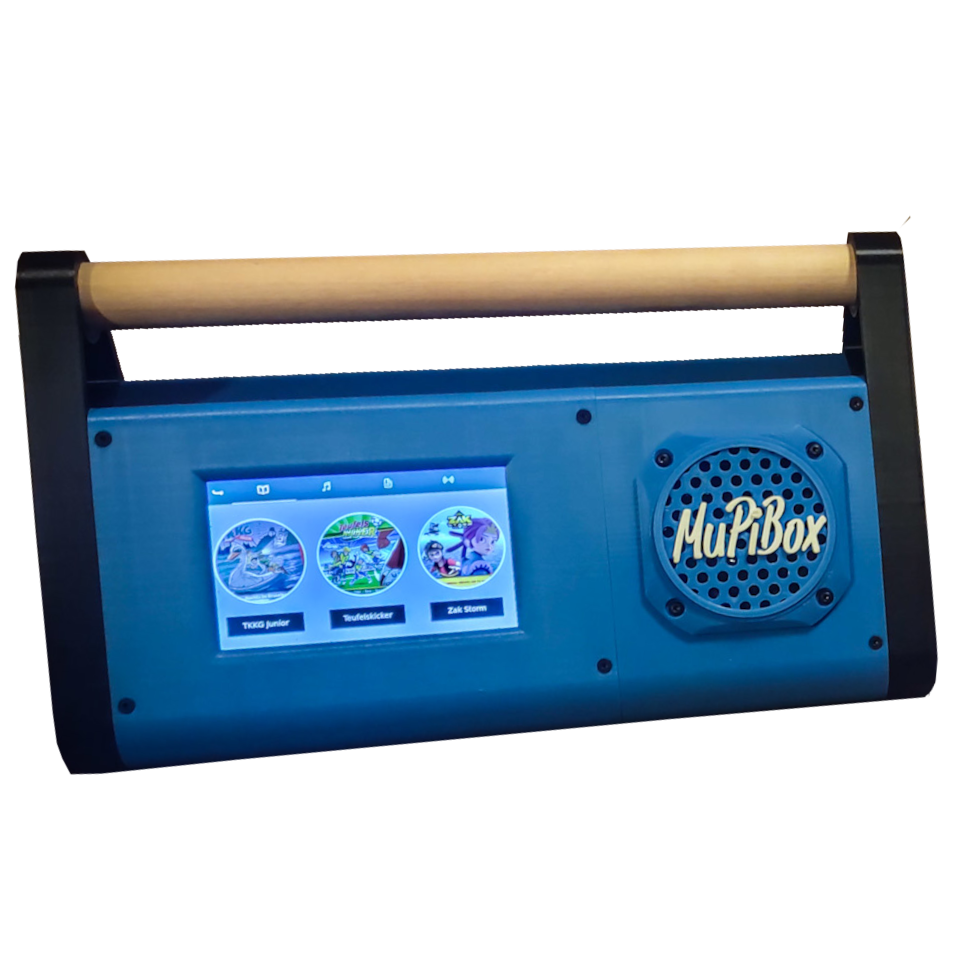
The previous generation is still supported. Ideal for existing Classic builds. New installations start with image 4.0.4, then update to 4.2.4.
Classic installation (German) ↗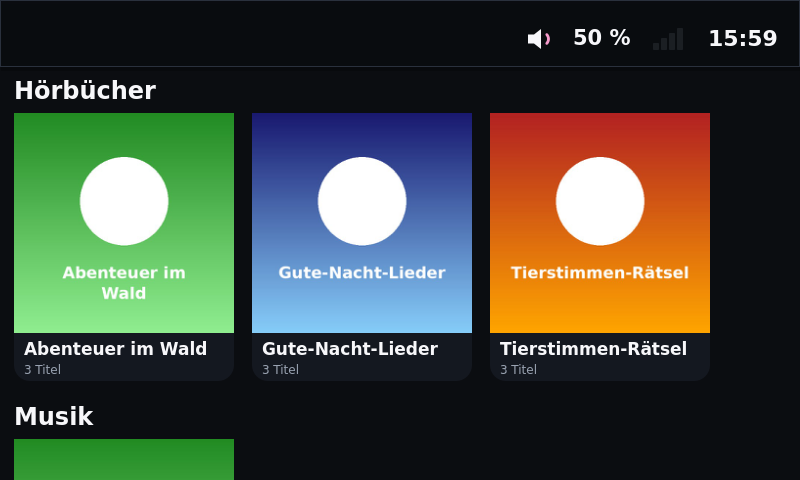
Modern controls, RFID, optional hardware buttons, streaming, offline content and browser administration. Public test release; Stable is coming.
Install NG ↗Use a clear touchscreen, buttons or optional RFID tags — even without reading.
Local files, Spotify Premium, radio, podcasts, ARD Sounds and other supported sources.
Keep local media and selected downloads available without an internet connection.
Parental controls, listening times and large controls. Choose what each box can access.
Change themes and layouts. Add a MuPiHAT, speakers or accessories if you want.
Manage your box in a browser and use the optional MuPiBox app.
Our community can help you with parts, wiring and setup. The detailed documentation explains each step, including pictures and troubleshooting.