How to tell them apart
Both Classic and NG now use the same colourful MuPiBox logo. The logo alone does not identify the edition. Check the web administration: CLASSIC identifies Classic; NG or MuPiBox NG identifies the Next Generation. Version numbers change with updates.
MuPiBox Classic
The established generation with its own documentation, community experience and familiar installation workflow. A sensible choice when you want an existing Classic setup or already rely on Classic-specific features.
MuPiBox NG
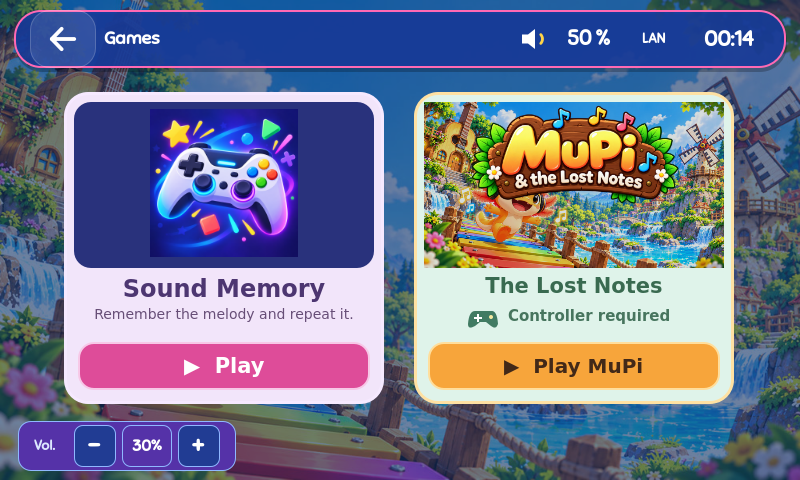
The new generation focuses on a redesigned touchscreen experience, a modern web admin, multiple media providers, child-friendly apps, optional hardware integration and active development. It is still an alpha.
Upgrading an existing box
Do not assume that an existing Classic installation can safely be upgraded in place. Back up your media and configuration, check the migration notes, and prefer a clean NG installation when changing generations.